
Lappu AI Journal
Understanding DMARC: Your Defense Against Spoofing
A clear primer on DMARC as your frontline against spoofed email: how SPF/DKIM alignment and policy (none→quarantine→reject) work, what the tags mean, how to roll out safely using reports, and common pitfalls to avoid, so you can audit your domain and move to enforcement confidently.
Understanding DMARC: Your Defense Against SpoofingImagine a scammer sends a fake email that looks like it's from your company. The recipient might see your domain name, trust the email, and fall victim. This is called email spoofing, and it happens far too often.
DMARC is your best line of defense against spoofing.In this post, we’ll explain what DMARC is, how it works, when to use its different policies, and how to set it up correctly for your domain.
What is DMARC?DMARC stands for Domain-based Message Authentication, Reporting & Conformance.It’s a DNS-based protocol that:1. Enforces email authentication policies using SPF and DKIM.2. Tells receiving mail servers what to do when an email fails those checks.3. Sends you reports so you can monitor who’s sending emails from your domain.In simple terms:> DMARC helps email providers tell the difference between legitimate and fake messages from your domain and gives you the tools to take action.## 🛡️ DMARC Policies: p=none, p=quarantine, p=rejectDMARC works by letting you choose how strict you want to be when an email fails SPF or DKIM checks.
There are three policy options:- p=none - Monitor only - The email is still delivered. You get a report, but nothing is blocked. - Use this when you’re just starting out and want to collect data.- p=quarantine - Mark suspicious emails as spam - Failing emails are sent to the recipient’s spam/junk folder. - Good middle ground once you’ve validated your mail sources.
p=reject- Block unauthenticated emails outright - Failing emails are dropped before reaching the recipient. - Recommended only when you’re confident your SPF and DKIM are fully aligned.
🎯 DMARC Alignment: Strict vs RelaxedDMARC requires that either SPF or DKIM pass — but there's a catch: the domains must also align with the domain in the "From" address.You can set this alignment to either:- Relaxed (default) - SPF/DKIM domain can be a subdomain of your “From” domain. - Example: If your “From” is info@yourcompany.com, an SPF from mail.yourcompany.com is OK.- Strict - The domain in SPF/DKIM must exactly match your “From” domain. - Provides tighter security, but may break more messages if third-party services are used.
Tip: Most small businesses should start with relaxed alignment, then evaluate.## 🧪 Sample DMARC RecordDMARC is set via a TXT record in DNS, typically at the subdomain
_dmarc.yourdomain.com.### Example 1: Monitor onlyv=DMARC1; p=none; rua=mailto:dmarc-reports@yourdomain.comExplanation:-v=DMARC1→ Version of DMARC-p=→ Policy (none,quarantine, orreject)-rua=→ Address to receive aggregate reports-pct=→ Percentage of emails this policy applies to (default 100%)
⚙️ How to Deploy DMARC (Safely)1. Start with p=none to collect data2. Analyze DMARC reports to understand all legitimate senders3. Fix SPF/DKIM issues for any legitimate senders failing authentication4. Gradually shift to p=quarantine, then p=reject once all sources are aligned5. Use tools to monitor and visualize reports easily (we can help with this!)## 🚀 Protect Your Brand, One Policy at a TimeDMARC is one of the most effective tools to prevent your domain from being spoofed. It protects your customers, builds trust, and improves deliverability.But rolling it out the wrong way can lead to legitimate email getting blocked — which is why a phased, data-driven approach is critical.
Need help reading DMARC reports or deploying DMARC correctly?
Use the Free DMARC validator at lappu.ai
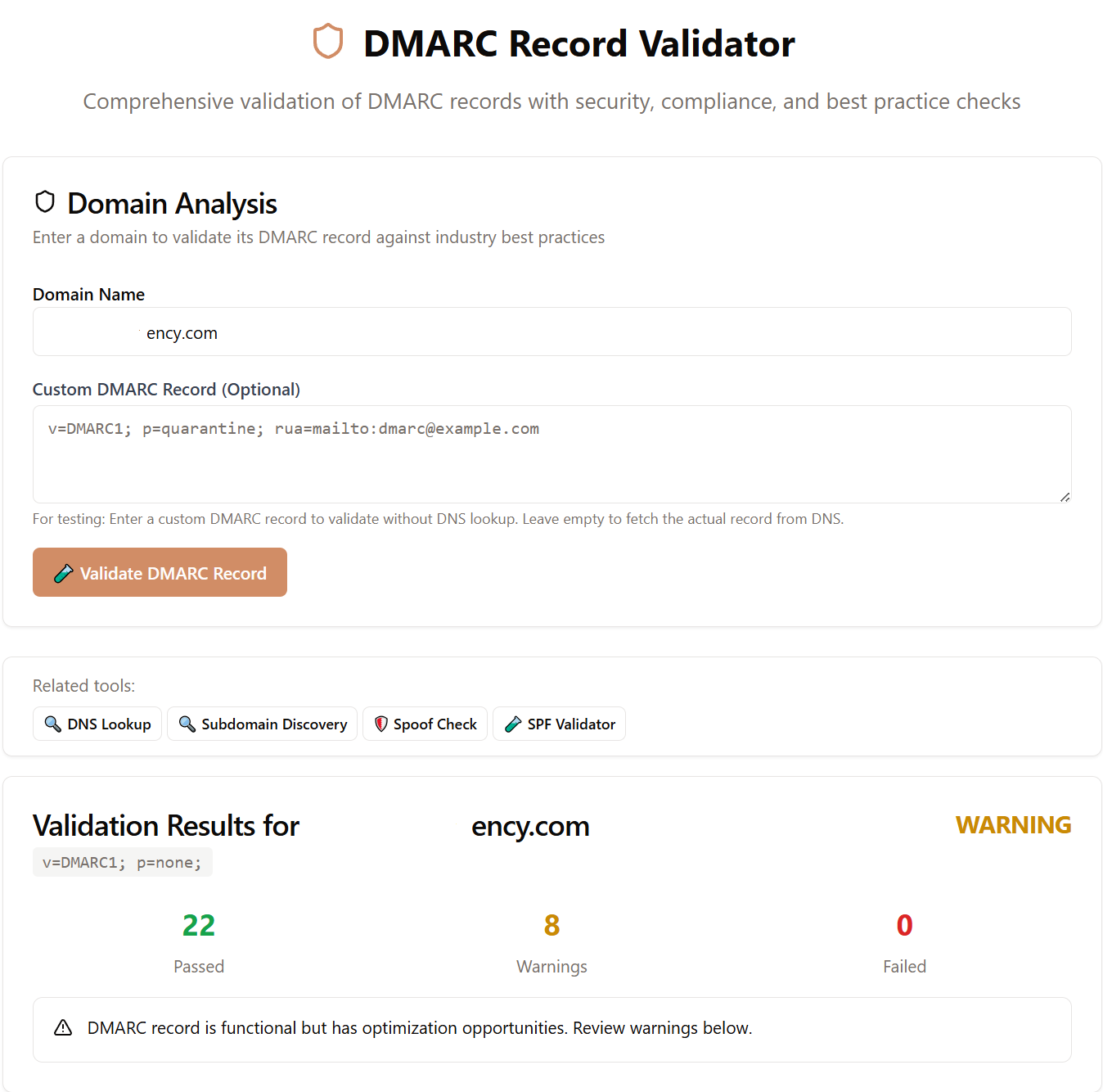
Our platform provides automated reporting, misalignment alerts, and step-by-step deployment help tailored for SMBs.