Lappu AI Journal
What Is SPF and How to Get It correct
A plain-English guide to SPF: what it is, how the DNS TXT record authorizes senders, and how to build a correct policy - using include, ip4/ip6, and -all. Covers pitfalls (multiple records, 10-lookup limit), testing steps, and best practices that align SPF with DKIM/DMARC for reliable deliverability.
If you've ever wondered how to stop scammers from sending fake emails using your business domain, SPF is a key part of the solution. In this post, we'll break down what SPF is, why SPF matters, how SPF works behind the scenes, and the most common mistakes businesses make when trying to implement it.
🛡️ What Is SPF?
SPF (Sender Policy Framework) is a simple but powerful way to prevent email spoofing. It works by telling the world which mail servers are allowed to send email on behalf of your domain (like @yourcompany.com). You do this by adding a special record to your DNS settings, a SPF record. If someone tries to send email from your domain using a server that's not on your list, that email can be rejected or marked as suspicious by spam filters.
📡 How Does SPF Work?
When your domain sends an email, the recipient's email server checks:
- Who is sending the message?
- Is this sender's IP address listed in the domain's SPF record? If the answer is yes, the message passes SPF. If not, it fails and may be flagged as spam or rejected entirely.
✅ SPF in Action (DNS Example)
Let's say your business uses Google Workspace to send email. Your SPF record might look like this:
v=spf1 include:_spf.google.com -allThis tells the mail servers:
“Only the servers listed in
_spf.google.comare allowed to send emails from@yourcompany.com. Everyone else: reject.”
You might also add services like Mailchimp or Salesforce by including their SPF records. Multiple email services:
v=spf1 include:_spf.google.com include:servers.mcsv.net include:_spf.salesforce.com -all
⚠️ Common SPF Mistakes SMBs Make
Using
+all,~all, or?allcarelessly+allmeans allow anyone to send email on your behalf — a critical security flaw. -~allmeans soft fail - it's acceptable for testing, but still allows suspicious emails to go through. -?allmeans neutral - it tells receiving servers not to make any decision based on SPF. ❌ Why you shouldn’t use?all: It defeats the purpose of SPF, since it doesn’t actually enforce any policy. ✅ Best practice: Use-allonce you’re confident your authorized senders are properly listed.- Too many include: statements
Each include: counts toward the 10 DNS lookup limit. If you exceed this, the SPF record will fail silently.
Multiple SPF records
Your domain can have only one SPF record. If you accidentally publish more than one, they can cancel each other out and break SPF altogether.
Incorrect syntax
One small typo, a few missing spaces or the wrong qualifier can invalidate the entire SPF record. Always test before deploying.
🚀 Let Us Help
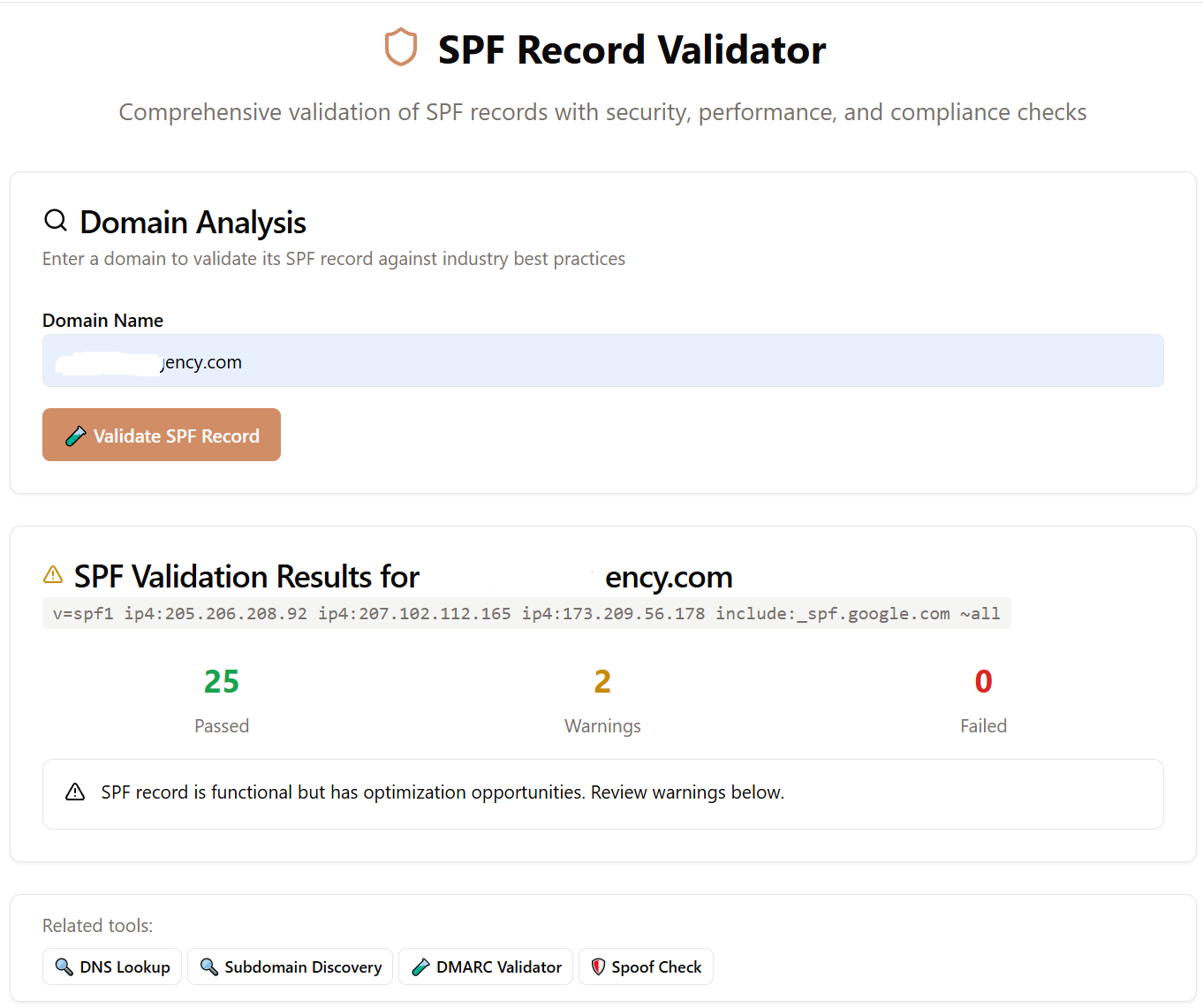
SPF is just one piece of your email security puzzle, but it's a critical one. If you're unsure whether your SPF record is set up correctly or you're getting delivery issues, we can help. Our platform offers SPF checks, DMARC reporting, and guided remediation tailored for small and medium businesses.
Use the Free SPF validator at lappu.ai